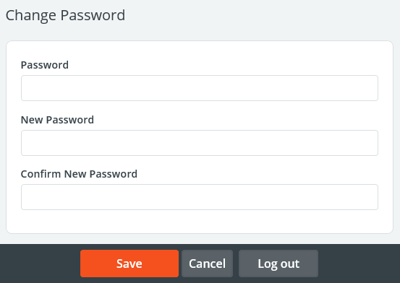
If you were emailed an encrypted password, you will want to change it to something more memorable. To change your password:
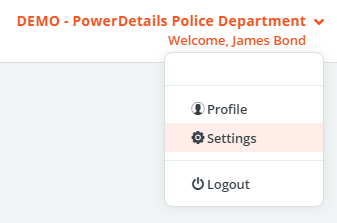
- Click your name on the top right side of the screen and select Settings from the drop down menu.
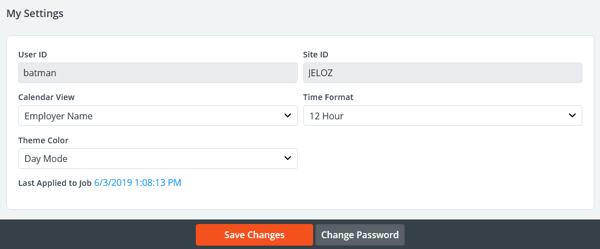
- Press the button to Change Password at the bottom of the screen.
- Change your password by entering your current password (the generated one) and your new password twice. Press Save when finished.