
Administrators and personnel administrators can cancel jobs altogether via the Terminate Job at the bottom of the job page.
If the job you are terminating is part of a series, you will additionally see an option on the confirmation screen to terminate other jobs that are linked.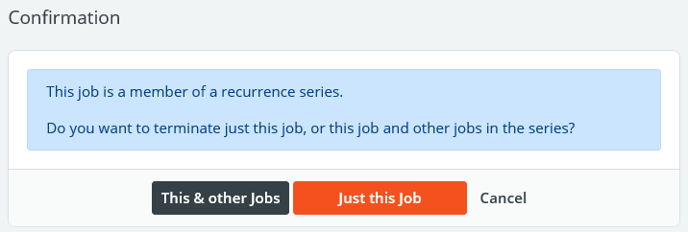
Click Terminate Job or Just this Job to cancel the single job. Clicking This and Other Jobs will being up a checklist of all jobs within the linked series. You can then check any that you want to terminate. The system will send an internal message to each employee who was attached to the job and, depending on the user’s settings, may send an alert.
Under the job's Personnel section, you'll now see that assigned employees are listed as "Terminated" in the Status column.
Note: By default, terminated jobs will not show on the job calendar. You must choose "Terminated" in the Job Status filter on the left search panel. If a mistake was made in terminating the job, you can press the Undo Termination button at the bottom of the screen. Any previously assigned personnel must be reassigned.